
Credly profile
Show your verified Credly certifications
Security+, CySA+, AWS, OSCP and more — imported from Credly with the issuer checked and shown alongside your hands-on cybersecurity activity. A professional profile with one link. Free.
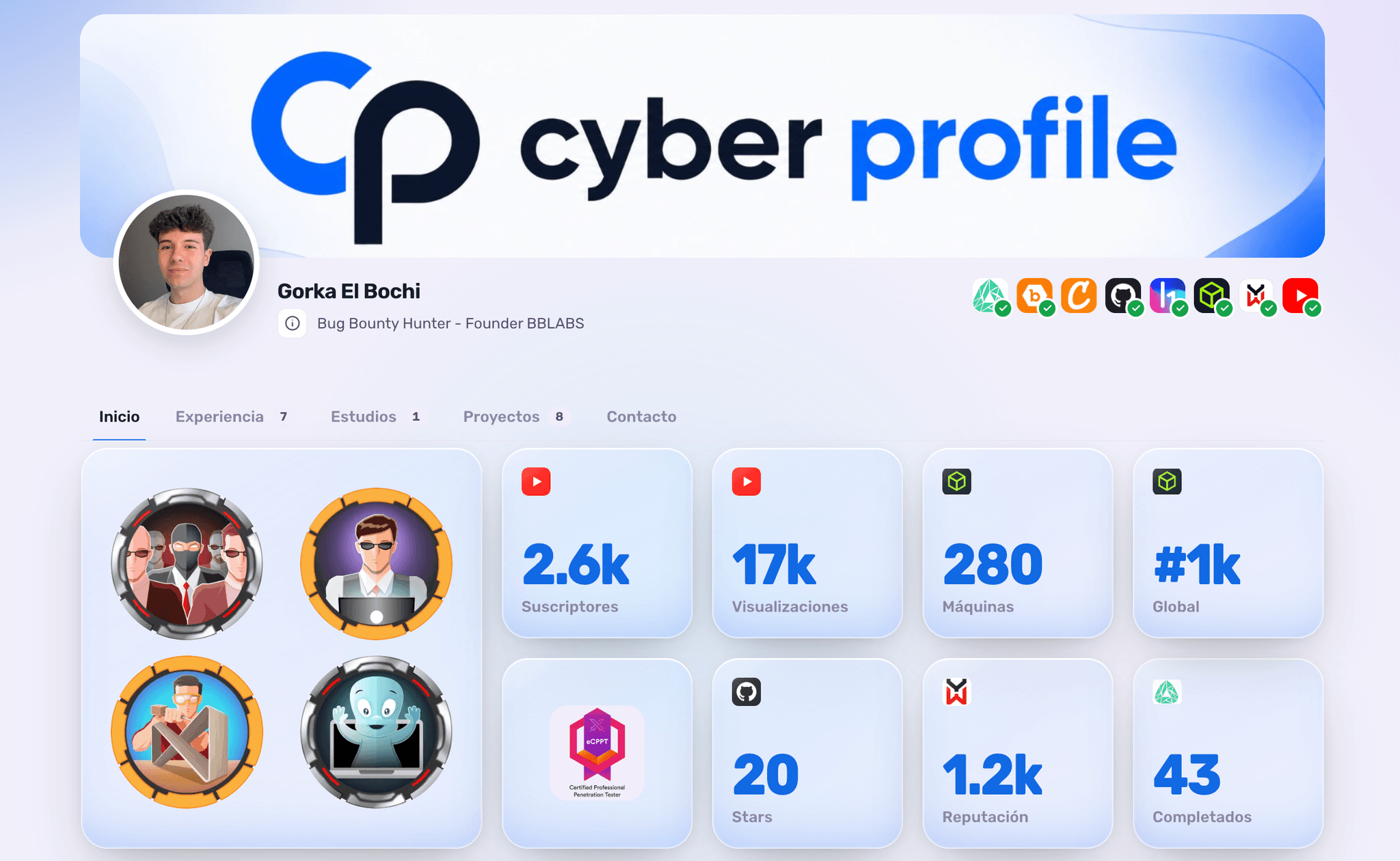
Verified with issuer
Certifications that can be checked
A screenshot of a badge says nothing: anyone can copy it. CyberProfile imports your Credly certifications with the issuer verified, so the recruiter sees real, checkable credentials.
- Each badge with its issuer checked
- Pin and highlight the ones that matter most
- A link for your application or LinkedIn

The credential + the practice
The credential next to proof you can use it
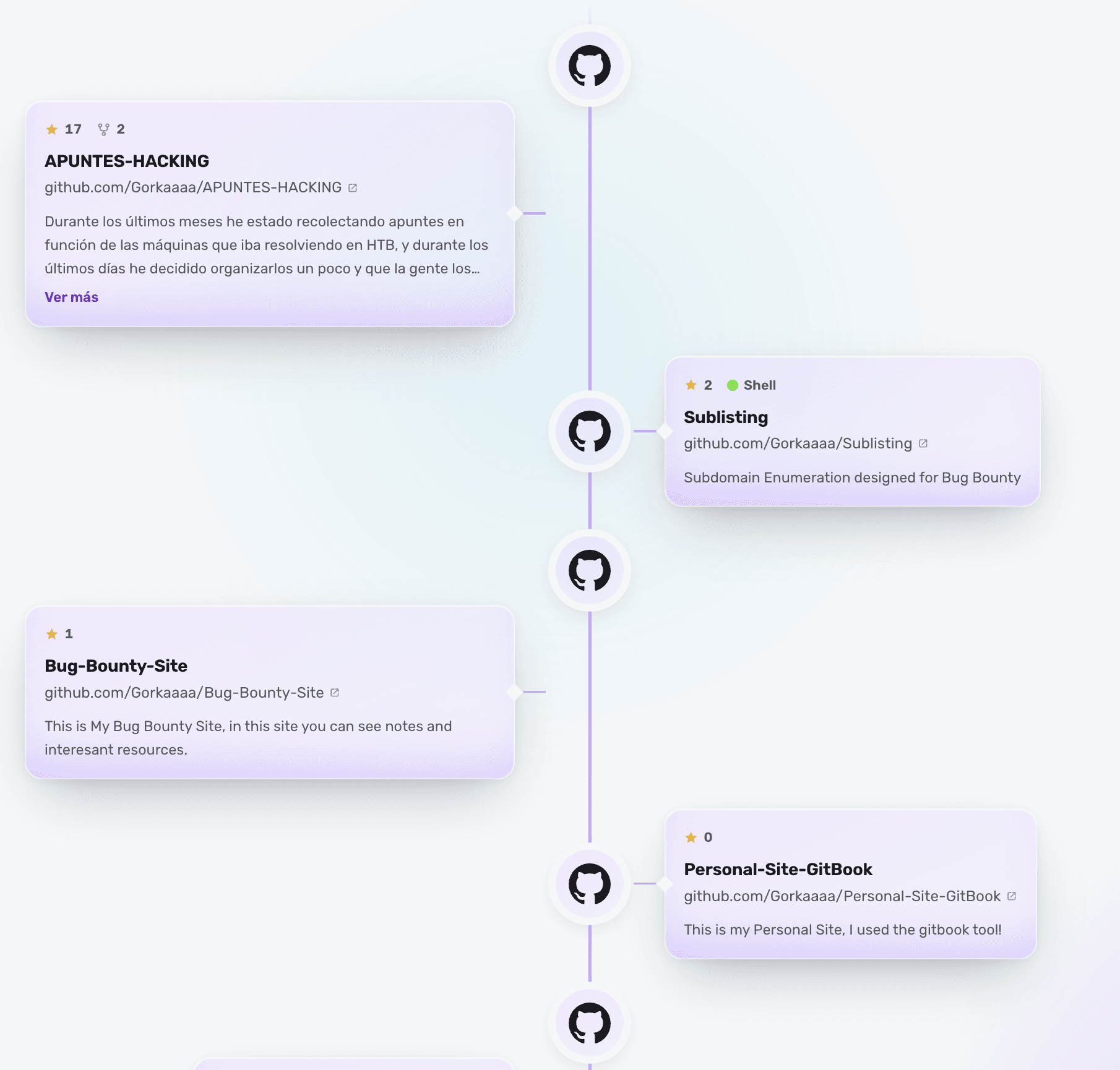
A certification opens doors, but it convinces when seen alongside the practice. In CyberProfile your Credly certifications appear next to your real activity — machines, reports, projects — giving a complete picture of your level.
On video
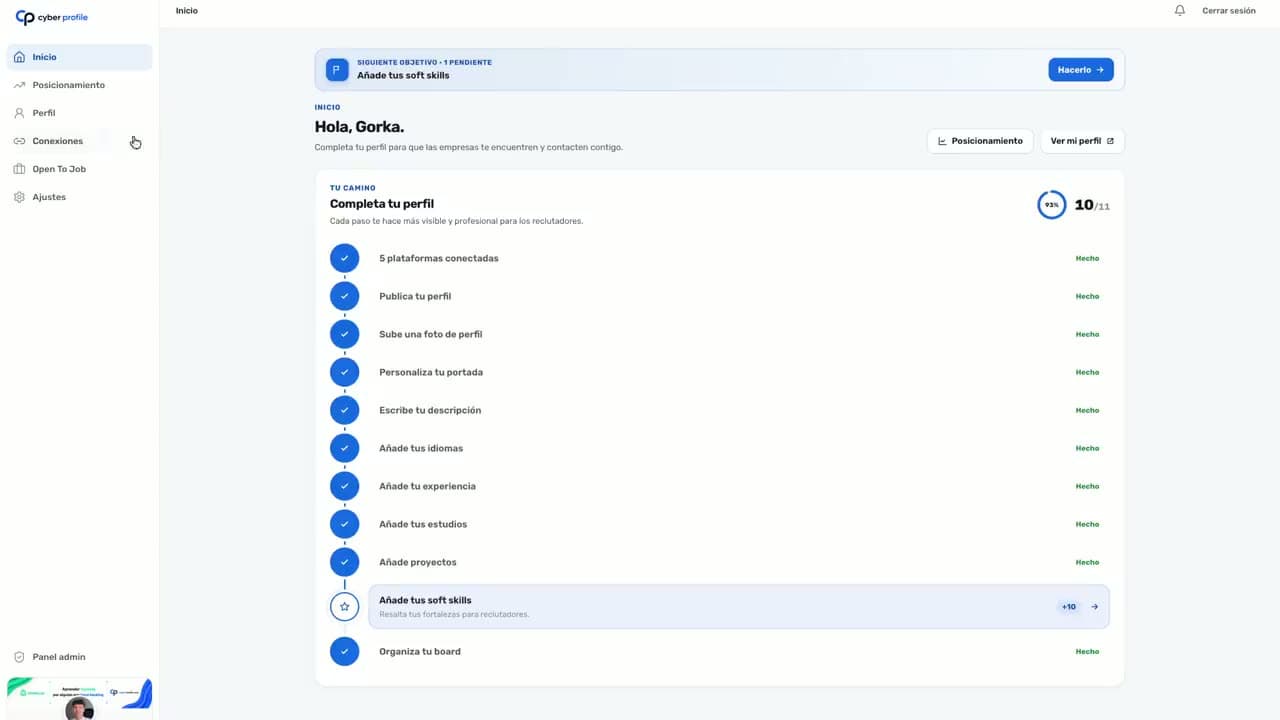
Connect Credly in seconds
Link your account and your certifications appear verified on your profile.
Show your Credly certifications free
Verified and in context. No credit card.
Why show Credly in a verified profile
Credly issues the digital credentials of many cybersecurity certifications (CompTIA, ISC2, AWS, HackTheBox…). Showing them on a professional profile, with the issuer verified and next to your practice, conveys far more trust than a PDF or a loose screenshot.
What is shown from your Credly
- Your certifications (badges) with their issuer.
- Date earned and detail of each credential.
- Combinable with HackTheBox, bug bounty, GitHub and more.
Certifications + evidence = credibility
The biggest value of CyberProfile is context: your certifications do not stand alone, but sit next to proof that you can apply them. That combination — a verified credential plus hands-on activity — is what turns an application into an interview.
Frequently asked questions
How do I show my Credly certifications on my profile?
Connect your Credly account in CyberProfile and your certifications (badges) are imported verified with the issuer checked. They appear on your profile alongside your hands-on activity — HackTheBox, bug bounty, GitHub — with a single public link.
Is the issuer of each certification verified?
Yes. CyberProfile imports each Credly badge with its issuer, so the recruiter sees checked certifications, not images that anyone could copy.
Can I show the credential alongside the practice?
That is the advantage: in CyberProfile your Credly certifications do not stand alone, but sit next to the evidence that you can apply them (machines, reports, projects). You see both the credential and the proof at once.
Is it free?
Yes, 100% free. Connect your Credly and get your verified profile with your certifications.
Show your Credly certifications free
Verified, with issuer and in context, in 60 seconds.
- Free forever
- No credit card
- Ready in 60s
- Verified at the source